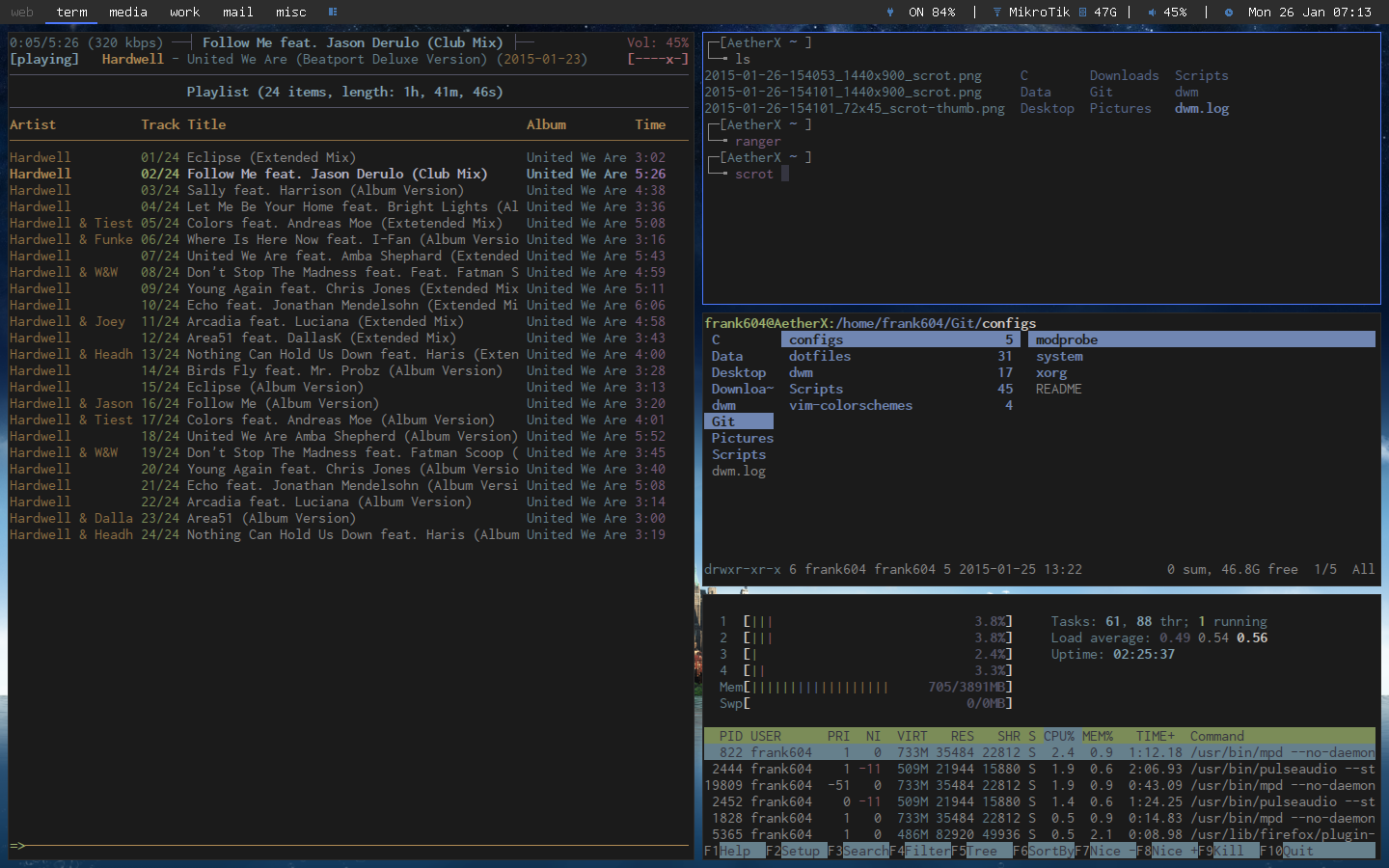
Installing MPD with NCMPCPP on Archlinux
“MPD (music player daemon) is an audio player that has a server-client architecture. It plays audio files, organizes playlists and maintains a music database all while using very few resources. In order to interface with it, a separate client is needed.” - Archwiki
Install MPD-GIT from AUR
 wget https://aur.archlinux.org/packages/mp/mpd-git/mpd-git.tar.gz
tar -xvf mpd-git.tar.gz
cd mpd-git
makepkg -s
sudo pacman -U mpd-git************.pkg.tar.xz
Once that is complete, we have to set it up. The easiest way to setup mpd is to download Rasi’s MPD Install Script. Please remember to enable mpd through systemctl.
Install NCMPCPP-GIT from AUR
wget https://aur.archlinux.org/packages/nc/ncmpcpp-git/ncmpcpp-git.tar.gz
tar -xvf ncmpcpp-git.tar.gz
cd ncmpcpp-git
makepkg -s
sudo pacman -U ncmpcpp-git****************.pkg.tar.xz
Modify the config located in ~/.ncmpcpp/config A good starting config is MadCatMk2’s config on Archlinux Forums.
mpd_music_dir = "~/location/to/your/music/directory/"
visualizer_in_stereo = "yes"
visualizer_fifo_path = "/tmp/mpd.fifo"
visualizer_output_name = "FIFO"
visualizer_sync_interval = "30"
visualizer_type = "wave"
visualizer_look = "◆▋"
message_delay_time = "3"
playlist_shorten_total_times = "yes"
playlist_display_mode = "columns"
browser_display_mode = "columns"
search_engine_display_mode = "columns"
playlist_editor_display_mode = "columns"
autocenter_mode = "yes"
centered_cursor = "yes"
user_interface = "alternative"
follow_now_playing_lyrics = "yes"
locked_screen_width_part = "60"
display_bitrate = "yes"
external_editor = "vim"
use_console_editor = "yes"
header_window_color = "cyan"
volume_color = "red"
state_line_color = "yellow"
state_flags_color = "red"
progressbar_color = "yellow"
statusbar_color = "cyan"
visualizer_color = "red"